
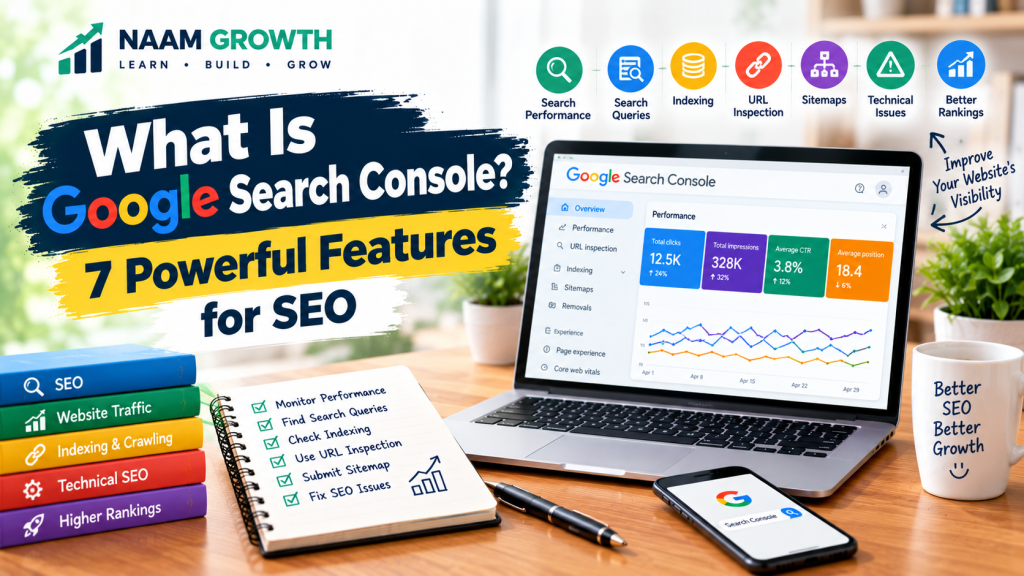
If you have a website and want people to find it through Google Search, you need to understand how your website performs in search results. This is where Google Search Console can become a valuable tool.
Google Search Console is a free service from Google that helps website owners monitor their website’s presence in Google Search. It can provide useful information about search performance, indexing, search queries, and technical issues.
For beginners, the amount of information inside Search Console may initially feel confusing. However, once you understand the main features, it becomes much easier to use.
In this guide, we will explain what is Google Search Console and explore seven powerful features that beginners should know.
Table of Contents
- 1. What Is Google Search Console?
- 2. Monitor Search Performance
- 3. Understand Search Queries and Keywords
- 4. Check Website Indexing
- 5. Use URL Inspection
- 6. Submit and Monitor Your Sitemap
- 7. Find SEO and Technical Issues
- How Google Search Console Helps SEO
- How Beginners Can Start Using Search Console
- Common Google Search Console Mistakes
- Google Search Console Checklist
- Final Thoughts
1. What Is Google Search Console?
Google Search Console is a free Google service designed to help website owners understand how their websites appear and perform in Google Search.
It provides information about things such as:
- Search impressions
- Search clicks
- Average search position
- Search queries
- Indexed pages
- Website indexing issues
- Sitemaps
- Search-related technical issues
Search Console does not replace a complete SEO strategy. Instead, it gives you useful search data and reports that can help you understand what is happening with your website in Google Search.
If you are new to SEO, you may also want to read our beginner-friendly guide on What Is SEO? to understand the broader concept of search engine optimization.
2. Monitor Search Performance
One of the most useful areas of Google Search Console is the Search Performance report.
This report can help you understand how your website is performing in Google Search over a selected period.
Important performance metrics include:
- Clicks: How many times users clicked your website from Google Search.
- Impressions: How many times your website appeared in search results.
- CTR: The percentage of impressions that resulted in clicks.
- Average position: The average position of your website or page for the reported search results.
These metrics can help you identify trends and understand which pages or search queries are generating visibility.
Remember that search performance can change over time. Avoid making decisions based on a very small amount of data.
3. Understand Search Queries and Keywords
Search Console can show the queries that generated impressions and clicks for your website.
This information can be useful for understanding what people are searching for when they discover your content.
For example, you may discover that a page is appearing for several related search terms that you did not specifically target when writing the article.
You can use this information to:
- Understand search intent
- Find relevant content ideas
- Improve existing articles
- Identify pages with search visibility
- Discover additional keyword opportunities
This is one reason keyword research should be connected with ongoing SEO analysis. If you want to learn the basics of finding relevant search terms, check out our guide on Keyword Research for Beginners.
4. Check Website Indexing
For a page to appear in Google Search, Google needs to discover and process the page for its search index.
Google Search Console includes reports that can help website owners understand which pages have been indexed and whether Google encountered certain indexing issues.
Indexing problems can happen for different reasons. For example, a page may have technical issues, access restrictions, or other signals that affect whether Google can process it.
If an important page is not appearing in Google Search, checking Search Console can be a useful part of investigating the problem.
However, not every page needs to appear in search results. Some pages may intentionally be excluded from search engines.
If you want to understand more about the technical side of crawling and indexing, our guide on Technical SEO explains some of the key concepts beginners should know.
5. Use URL Inspection
The URL Inspection tool allows website owners to inspect information about a specific URL in Google Search Console.
This can be particularly useful when you publish a new article or make important changes to an existing page.
Depending on the situation, URL Inspection can help you understand:
- Whether Google has a record of the URL
- Indexing status
- Issues that may affect indexing
- Information about the page as processed by Google
If you have published a new article and want Google to process the updated URL, you can use the available indexing request option when appropriate.
Keep in mind that submitting a request does not guarantee that a page will immediately appear in Google Search.
6. Submit and Monitor Your Sitemap
A sitemap provides search engines with information about URLs that you want them to discover.
For many websites, a sitemap is automatically generated by the website platform or SEO software.
After creating your sitemap, you can submit its URL through Google Search Console.
A sitemap can help Google discover important pages, although submitting a sitemap does not guarantee that every URL will be indexed.
When managing a website, regularly check whether your sitemap is accessible and whether Search Console reports any issues with it.
For a broader understanding of how different SEO elements work together, you can also read our guide on building a digital marketing strategy.
7. Find SEO and Technical Issues
Search Console can also provide reports related to certain technical and search-related issues.
Depending on your website, these reports may help you identify problems related to:
- Indexing
- Mobile usability
- Page experience
- Structured data
- Security issues
- Manual actions
Not every website will show the same reports or issues. Search Console reports can change depending on your website and Google’s systems.
When you find an issue, do not make random changes immediately. First understand what the report is showing and investigate the affected URLs.
For on-page elements such as content, headings, images, and internal links, see our beginner-friendly guide on On-Page SEO.
How Google Search Console Helps SEO
Google Search Console is not a magic tool that automatically improves your rankings. Its main value comes from the information it provides.
You can use that information to make more informed SEO decisions.
For example, you might discover:
- A page receiving many impressions but relatively few clicks.
- A page appearing for search queries you did not expect.
- An important page that has an indexing problem.
- A topic generating growing search visibility.
- Pages that may need better content or optimization.
You can then use these insights to improve your content and website.
For example, our guide on Product Page Optimization explains how e-commerce websites can improve product pages for both users and search engines.
You can also connect Search Console insights with your broader digital marketing strategy to better understand how search visibility supports your overall online presence.
How Beginners Can Start Using Search Console
For official guidance, beginners can also refer to Google’s Search Console documentation to learn more about setting up and using the tool.
If you are completely new to Google Search Console, you do not need to learn every report at once.
Start with a simple process:
- Open Google Search Console.
- Add and verify your website property.
- Submit your sitemap.
- Check the Search Performance report.
- Review your top search queries.
- Check important pages for indexing.
- Inspect new URLs when necessary.
- Review reported issues periodically.
As your website grows, you can gradually learn more advanced reports and SEO concepts.
Common Google Search Console Mistakes
Beginners sometimes expect Search Console to work like an automatic SEO tool. This can lead to unrealistic expectations.
Some common mistakes include:
- Checking Search Console statistics constantly
- Making major SEO decisions from very little data
- Thinking indexing guarantees high rankings
- Requesting indexing repeatedly without a reason
- Ignoring technical issues
- Focusing only on rankings instead of useful content
- Changing URLs unnecessarily
- Ignoring search intent
SEO is a long-term process. Search Console should be used as a source of information rather than a shortcut to rankings.
Google Search Console Checklist
Use this simple checklist when setting up Search Console:
- ✓ Website property added
- ✓ Ownership verified
- ✓ Sitemap submitted
- ✓ Search Performance checked
- ✓ Search queries reviewed
- ✓ Important URLs inspected
- ✓ Indexing issues reviewed
- ✓ Technical reports checked
- ✓ Website performance monitored over time
Final Thoughts
So, what is Google Search Console? It is a free Google service that gives website owners useful information about how their websites are discovered and displayed in Google Search.
For beginners, the most important areas to understand are search performance, search queries, indexing, URL inspection, sitemaps, and technical reports.
You do not need to become an SEO expert overnight. Start with the basics, collect data over time, and use that information to improve your website and content.
As your website grows, combine Search Console data with good keyword research, useful content, strong technical foundations, effective on-page SEO, and a clear digital marketing strategy.
Keep learning, keep testing, and keep growing.
NAAM Growth
Digital Marketing • E-commerce • Growth